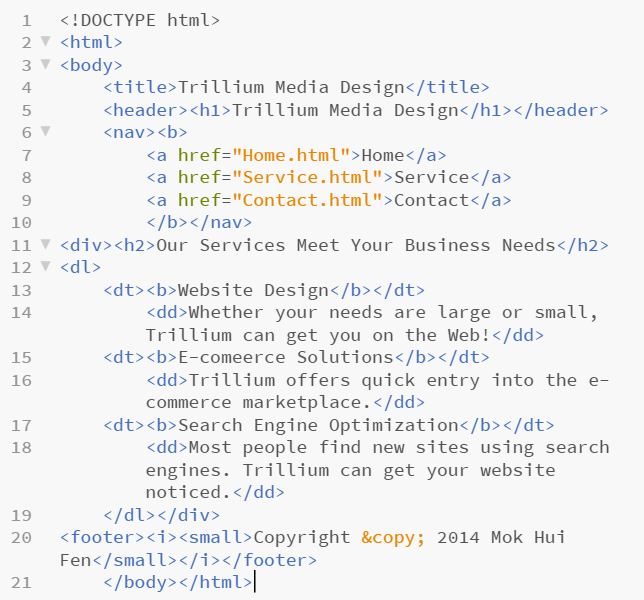
Html file (part 1)

Html file (part 2)

Web page

Welcome
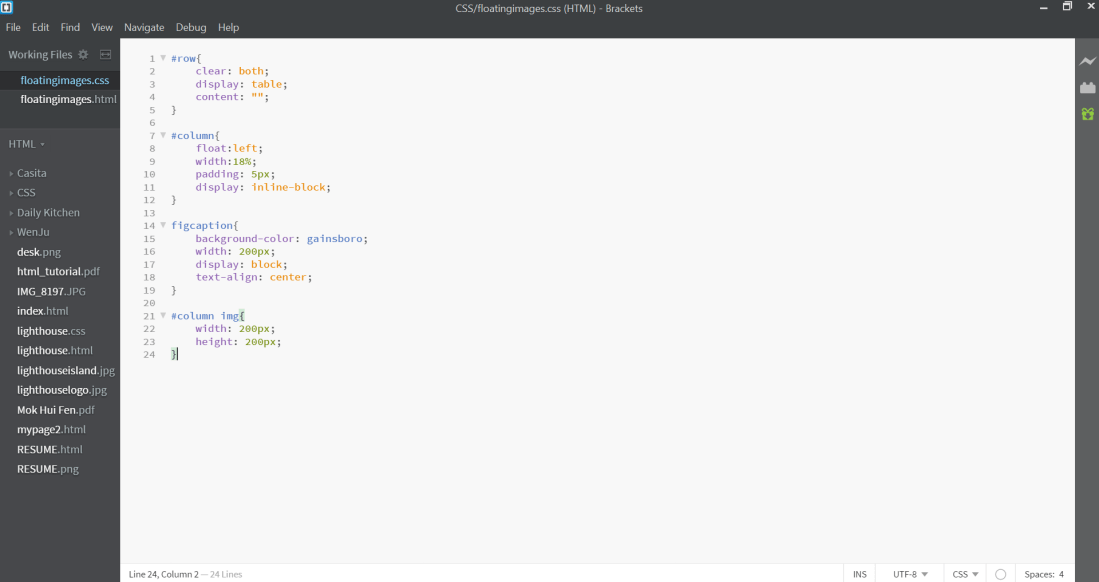


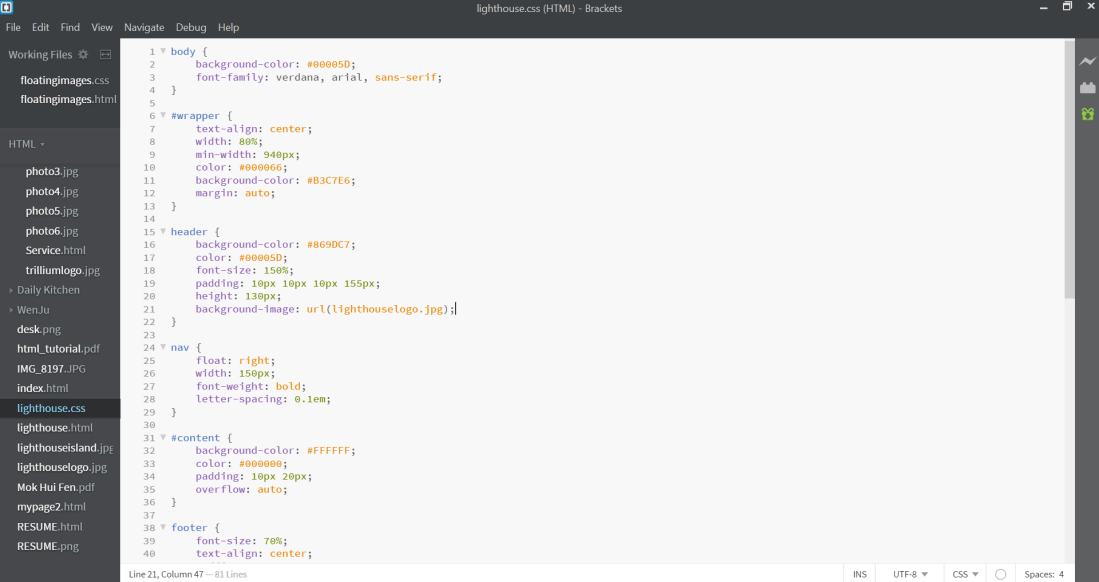

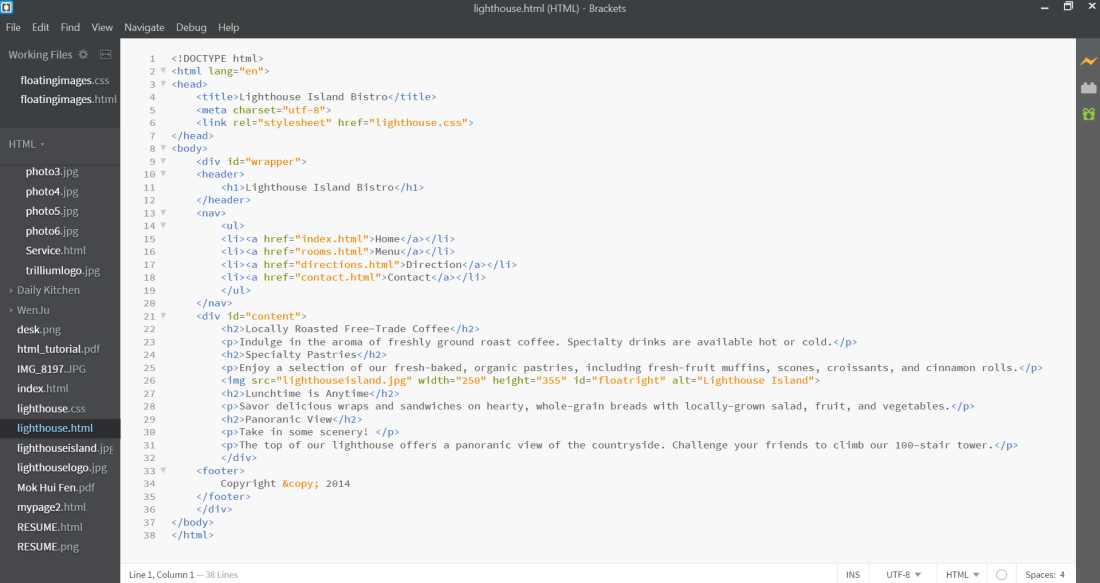



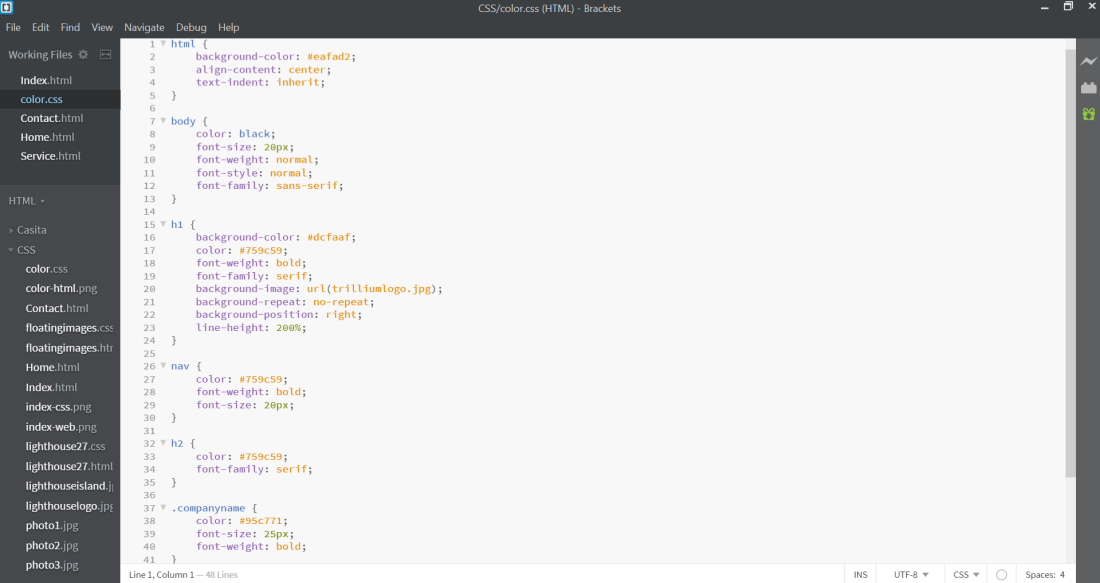
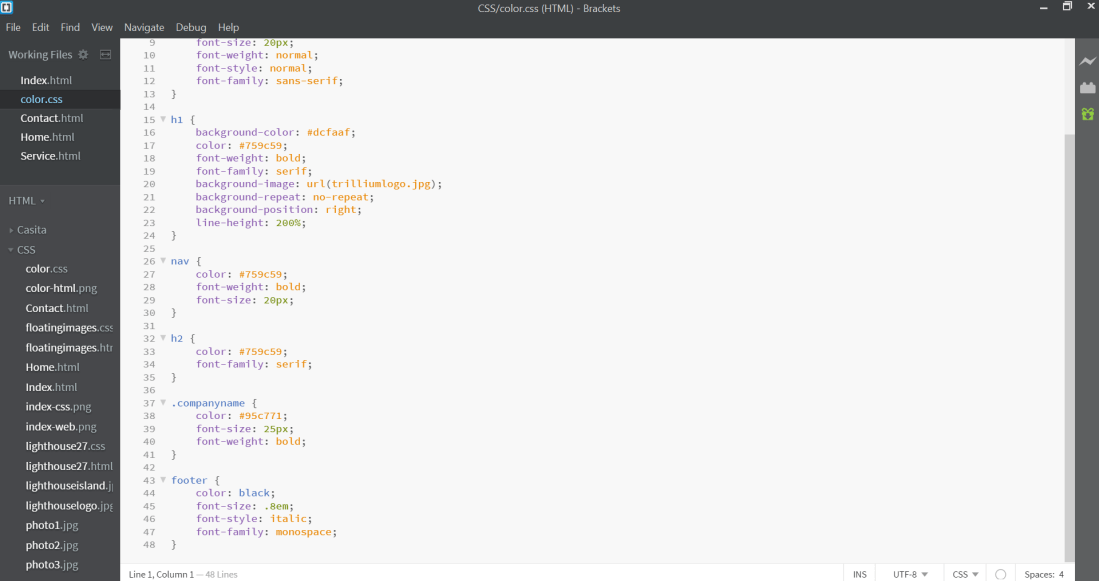


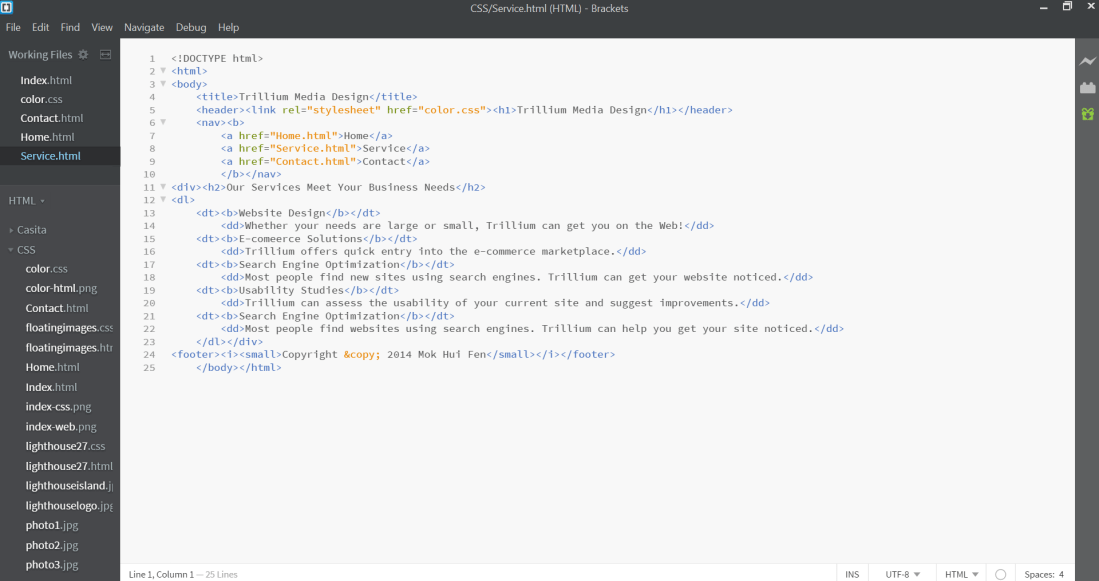
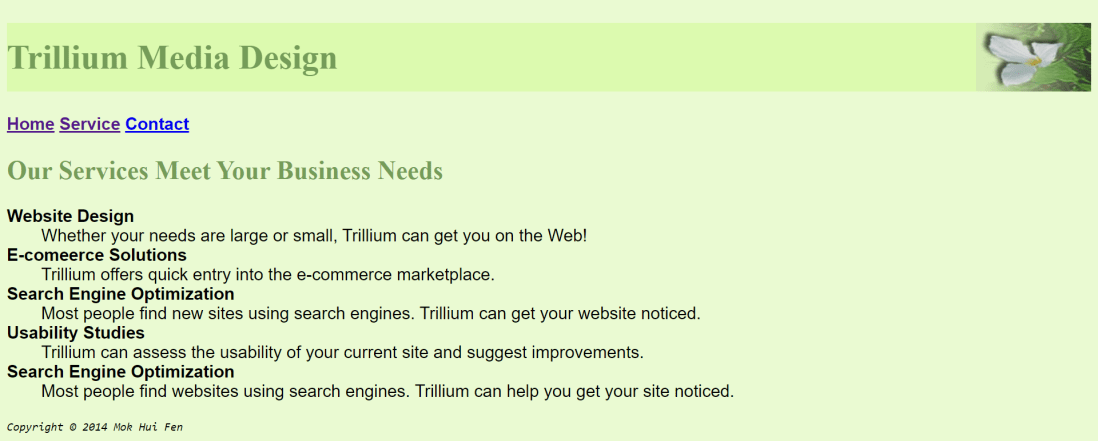
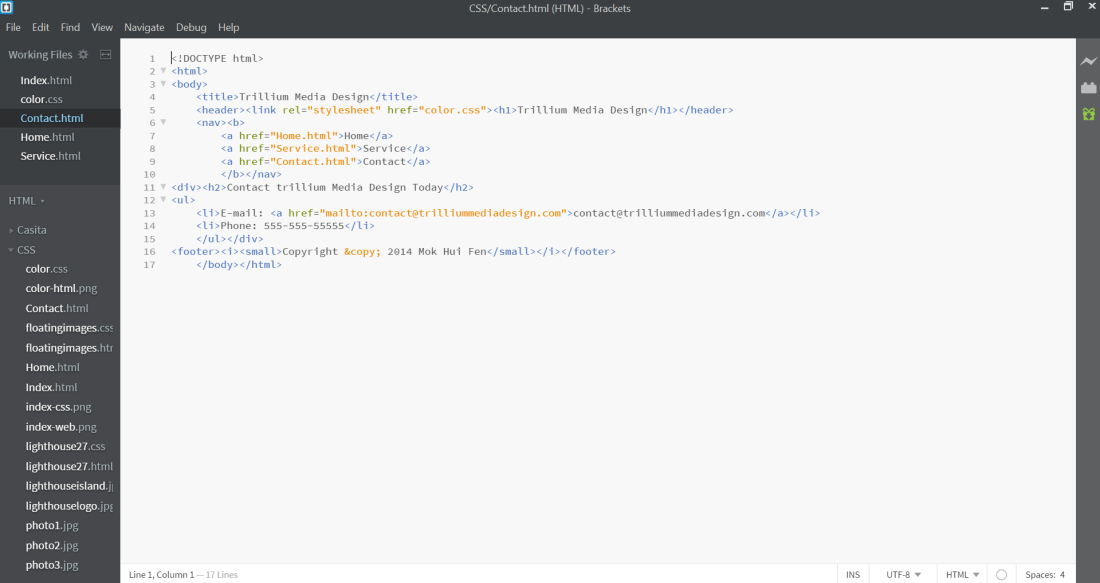

Instagram-
Pinterest-
Instagram- Yes, the black text color has sufficient contrast with white background color.
Pinterest- Yes, the color scheme is limited to a maximum of three colors which are white , black and grey.
Instagram-
Pinterest-
Instagram-
Pinterest-
Instagram & Pinterest-
Instagram-
Pinterest-
Done by:

Mok Hui Fen

Kan Jia Qi

Hardeep Kaur





>https://docs.google.com/drawings/d/1Tj20pFwxgPnQWKwkqpXG5ADs9kKmuJYatm8YTbZyRMw/edit
The ping command is a Command Prompt command used to test the ability of the source computer to reach a specified destination computer. The ping command is usually used as a simple way to verify that a computer can communicate over the network with another computer or network device.
The ping command operates by sending Internet Control Message Protocol (ICMP) Echo Request messages to the destination computer and waiting for a response. How many of those responses are returned, and how long it takes for them to return, are the two major pieces of information that the ping command provides.
Refer:
https://www.lifewire.com/ping-command-2618099
Sent: This is the amount of packets ping sent to the address you typed in the prompt. The default is four.
Received: This is the amount of packets that returned from the address you typed in the prompt. Ideally, this should equal the amount sent.
Lost: This is the amount of packets that did not return from the address you typed. Ideally, this should be zero.
Time-to-live (TTL) is a value in an Internet Protocol (IP) packet that tells a network router whether or not the packet has been in the network too long and should be discarded.
Refer:
https://www.instructables.com/id/Using-Windows-Command-Prompt-to-Test-Internet-Conn/
https://searchnetworking.techtarget.com/definition/time-to-live

Figure 1
There are four responses from the server. Each reply has the size of the packet which is 32 bytes, the time it took in less than 1 ms, and the TTL equals to 64. As seen in the above statistics four packets were sent, and four were received with a 0% loss, which is a good indication that the computer has no issues communicating across the network.
Refer:
https://www.computerhope.com/jargon/p/ping.htm
https://www.computerhope.com/issues/ch001631.htm
The IP address 127.0.0.1 is a special-purpose IPv4 address called localhost or loopback address. All computers use this address as their own but it doesn’t let them communicate with other devices like a real IP address does.
The loopback address is only used by the computer which is on, and only for special circumstances. This is unlike a regular IP address that is used to transfer files to and from other networked devices.
Refer:
https://www.lifewire.com/network-computer-special-ip-address-818385
The IP address 127.0.0.1 is used for loop back testing. It helps with trouble shooting. If stack is working then the issue must be at another Network point. Check that TCP/IP stack of device (Computer, Laptop, etc..) is working correctly.
Refer:
https://www.quora.com/What-is-the-significance-of-127-0-0-1-in-computer-networks
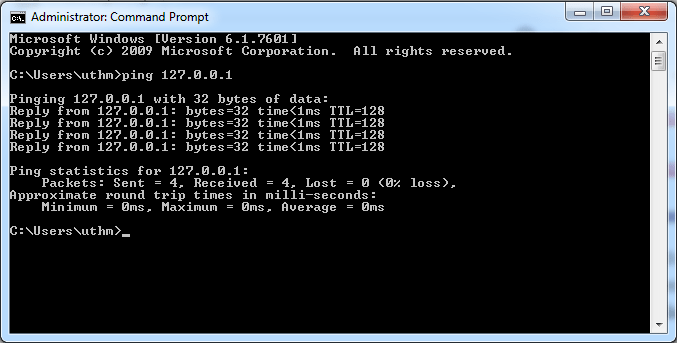
Figure 2
There are four responses from the localhost server. Each reply has the size of the packet which is 32 bytes, the time it took is less than 1 ms, and the TTL equals to 128. As seen in the above statistics four packets were sent, and four were received with a 0% loss, which is a good indication that the computer’s working on has no issues communicating across the network.
If a request times out, it means that your computer did not receive a response at all. It’s the equivalent of calling someone and having the phone ring hundreds of times until you decide to give up.
Refer:
https://searchwindowsserver.techtarget.com/answer/Request-Timed-Out-vs-Destination-Host-Unreachable
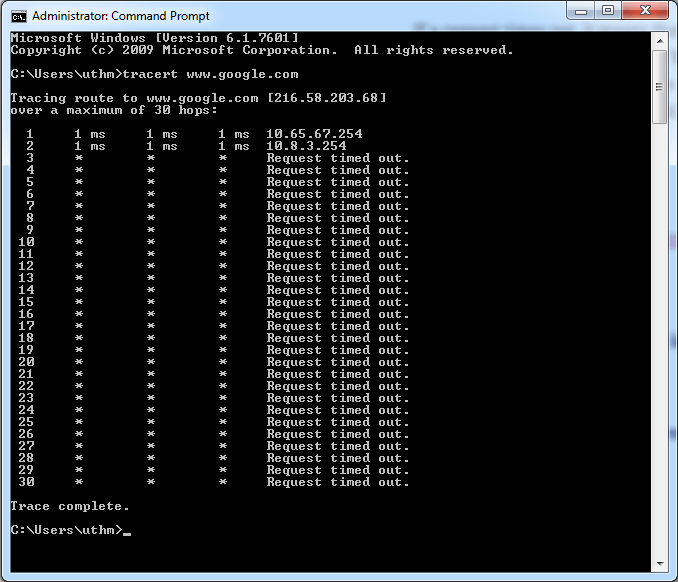
Figure 3
In other words, ping error message “Request Timed Out” tells ping command timed out because there is no reply from the destination host. There are many reasons like network connectivity issues, blocking by Firewall etc can cause “Request Timed Out” message.
Refer:
https://www.corenetworkz.com/2009/05/request-timed-out.html

Figure 4
In Figure 3, there is no reply from the destination host even it’s reachable while there is no request timed out in Figure 4. ICMP Echo Request and ICMP Echo Response are success reach their target computer respectively. This shows that this is a successful ping result.
Traceroute is a utility that records the route (the specific gateway computers at each hop) through the Internet between the computer and a specified destination computer. It also calculates and displays the amount of time each hop took. Traceroute is a handy tool both for understanding where problems are in the Internet network and for getting a detailed sense of the Internet itself.
Refer:
https://whatis.techtarget.com/definition/traceroute
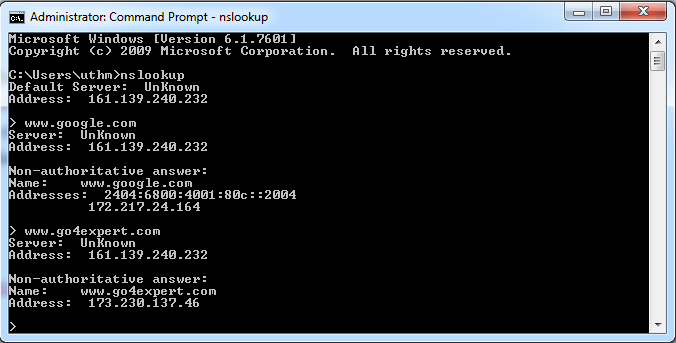
Figure 5
If a name server is authoritative for that zone, then its the final authority for that zone and is supposed to know about all records. However, nslookup also indicates that the answer is “non-authoritative,” meaning that this answer came from the cache of some server rather than from an authoritative MIT DNS server.
Refer:
https://community.spiceworks.com/topic/435269-dns-manager-look-up-unknown-host-for-known-zone
Every network device has two types of addresses, one called the logical address (IP address) and the other one being the physical address. (MAC address)
The IP address is an address bound to the network device, i.e., computer, via software. In a Windows-powered computer, the Windows operating system allows the user to configure the IP address the specific workstation will have. This IP address is used to allow all network aware programs, i.e., Internet Explorer, Netscape, Outlook, etc. to use this address when communicating with other hosts. The seventh layer in the OSI model has the IP addresses.
The MAC address is a hardware address, which means it is unique to the network card installed on user’s PC. No two devices on a local network should ever have the same MAC address. In this unlikely event occurs, the two devices will have major communication problems. During the manufacturing process, the vendor “burns” a specific MAC address into each network card’s ROM. When the serial numbers have all been used, they start from the beginning, as it’s very unlikely anyone would buy two network cards from the same vendor, and they will contain the same MAC address.
Refer:
| BASIS FOR COMPARISON | Physical Address (MAC Address) | IP Address |
|---|---|---|
| Full Form | Media Access Control Address. | Internet Protocol Address. |
| Purpose | It identifies the physical address of a computer on the internet. | It identifies connection of a computer on the internet. |
| Bits | It is 48 bits (6 bytes) hexadecimal address. | IPv4 is a 32-bit (4 bytes) address, and IPv6 is a 128-bits (16 bytes) address. |
| Address | MAC address is assigned by the manufacturer of NIC card. | IP address is assigned by the network administrator or Internet Service Provider. |
| Retrieve Address | ARP protocol can retrieve MAC address of a device. | RARP protocol can retrieve IP address of a device. |
Refer:
https://techdifferences.com/difference-between-mac-and-ip-address.html#KeyDifferences
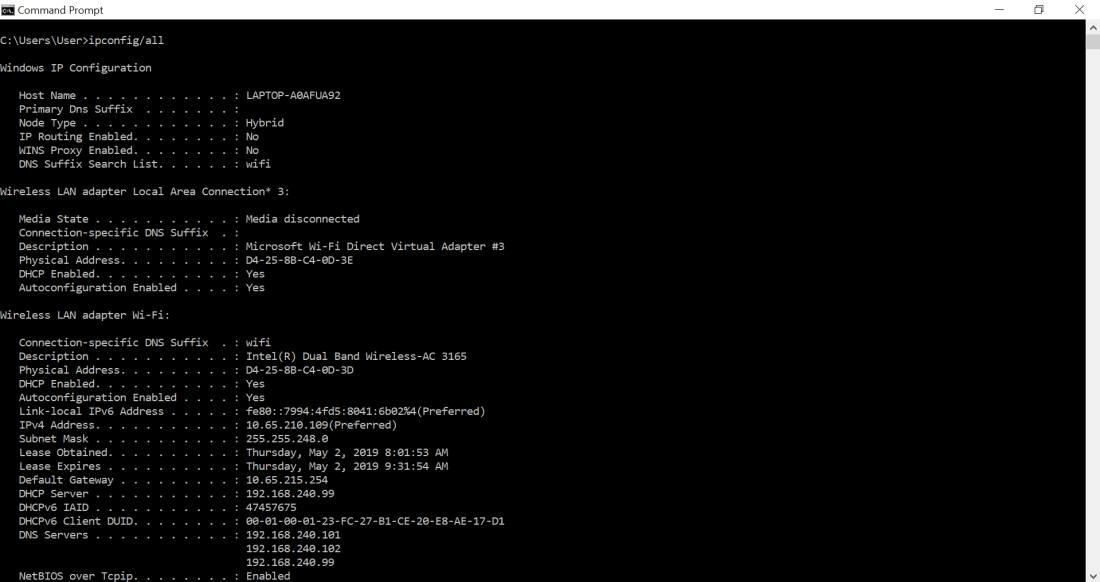
| Your host | |
| MAC address | D4-25-8B-C4-0D-3D |
| IP address | 10.65.210.109 |
| Subnet Mask | 255.255.248.0 |
| Default Gateway IP address | 10.65.215.254 |
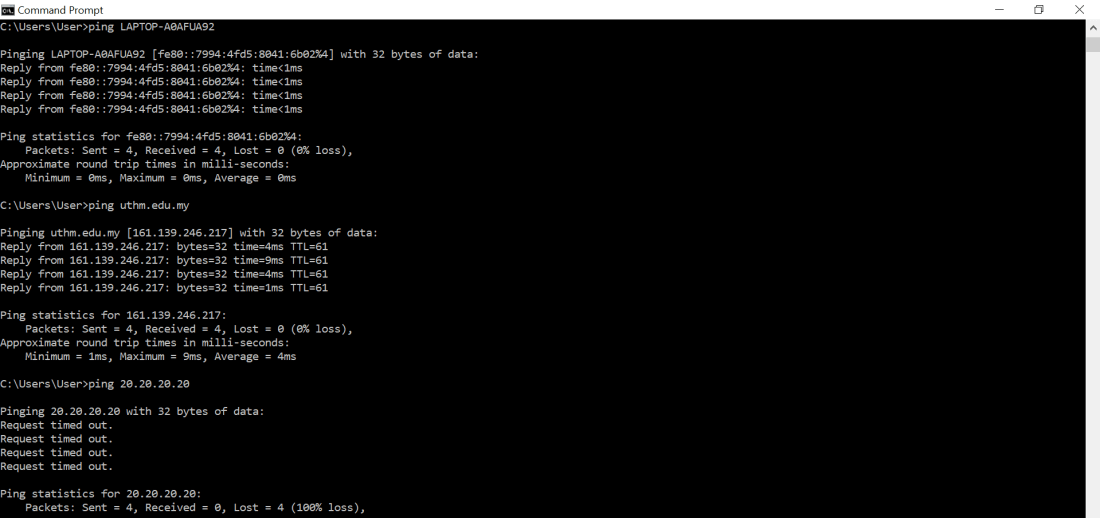
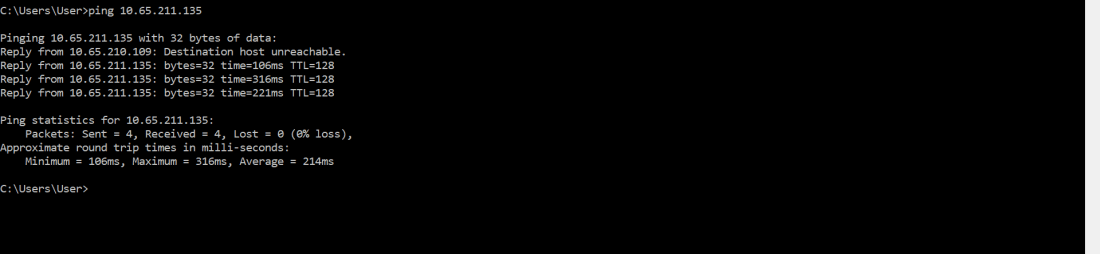
| IP address/ host name | Sent | Received | Lost | Round trip times/ms (min) | Round trip times / ms (max) | Round trip times /ms (Average) |
| LAPTOP-A0AFUA92 | 4 | 4 | 0 | 0 | 0 | 0 |
| uthm.edu.my | 4 | 4 | 0 | 1 | 9 | 4 |
| 20.20.20.20 | 4 | 0 | 4 | – | – | – |
| 10.65.211.135 | 4 | 4 | 4 | 106 | 316 | 214 |
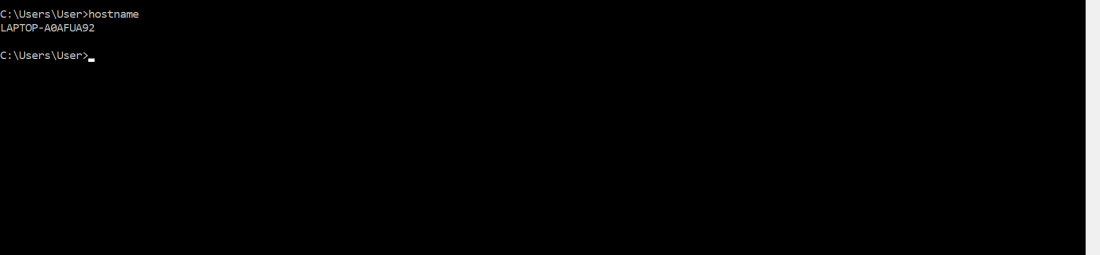
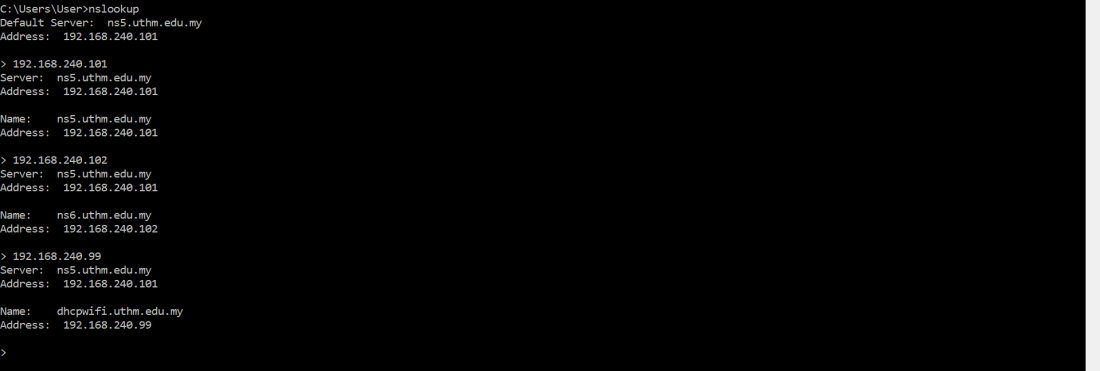
| DNS server | Address |
| ns5.uthm.edu.my | 192.168.240.101 |
| ns6.uthm.edu.my | 192.168.240.102 |
| dhcpwifi.uthm.edu.my | 192.168.240.99 |
Q1: What do you understand from this laboratory exercise?
ANSWER: I learnt how to use command prompt. From command prompt, I learnt about the details of my laptop, for example: IP address, network connection status and more. Subnet is in the same third octet class of IP address, for example: mine is 10.65.210.109 and my friend’s next to me is 10.65.211.135. I also learnt about we can search for IP address with hostname, or vice versa.
 A New Beginning